Adding Additional Barcodes
Adding Additional Barcodes
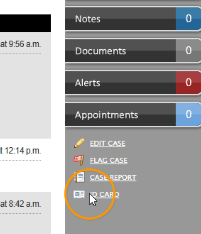
From a neighbor’s case, select “ID Card” at the bottom right.
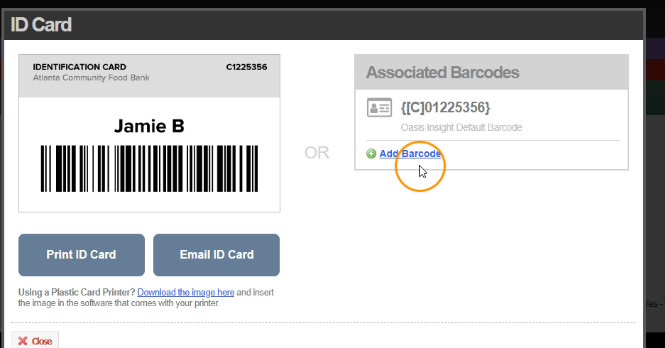
Select “Add Barcode”.
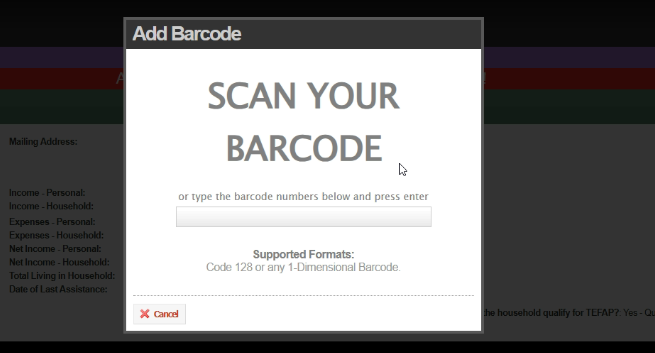
Using your scanner, scan the neighbor’s barcode. You will need to scan again to confirm.
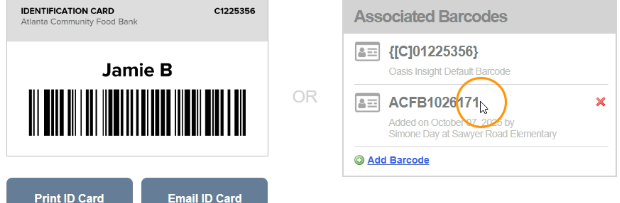
Your newly added barcode will now be listed under “Associated Barcodes”.
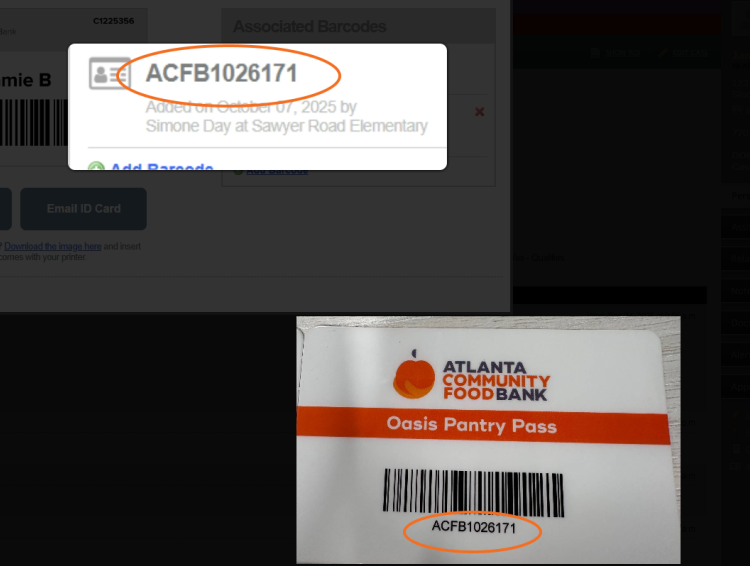
If you are scanning an Oasis Pantry Pass, you should see that it matches the barcode you added.