Add a Case
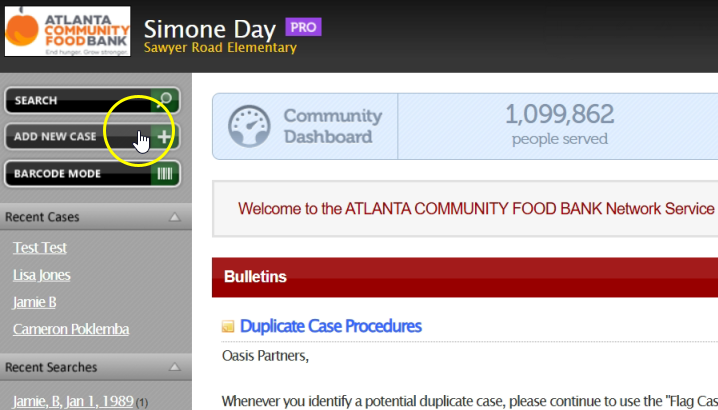
If you search for someone in Oasis and do not find them, you will need to create a new case to record the assistance they receive. From the Oasis homepage, click on “Add New Case.”
A small white dialogue box will appear. Fill in all of the required fields. These are marked with a red star (*) and include: “First Name,” “Last Name,” “Date of Birth,” “Zip Code,” and “County.” You can also add a phone number, but it’s not required.
After you fill out the required fields in the “Identification” tab, click on the “Demographics” tab. Fill in the required information for “Gender” and “Ethnicity.” There are other optional fields you may complete if needed. Click “Add Case.”
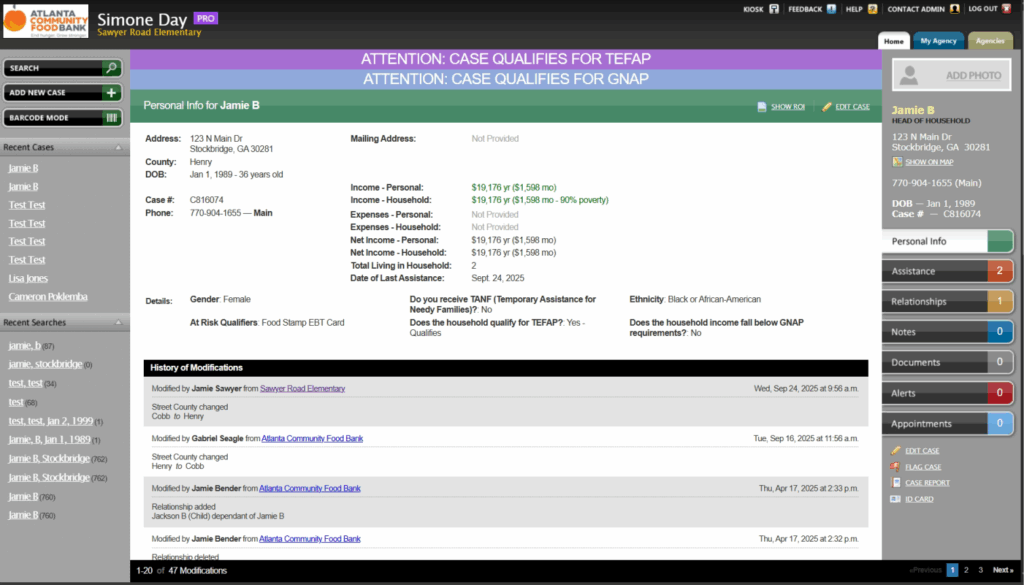
The case will look like this.